


Toshiba’s New BX400 Series: A Smarter Generation of Industrial Label Printers


Industrial labeling is no longer just about putting a barcode on a box. Today’s operations are asking more from their printers. They need faster deployment, better connectivity, easier support, cleaner migrations from legacy systems, and the ability to handle more complex label formats without adding layers of software.
That is where Toshiba’s new BX400 Series comes in.
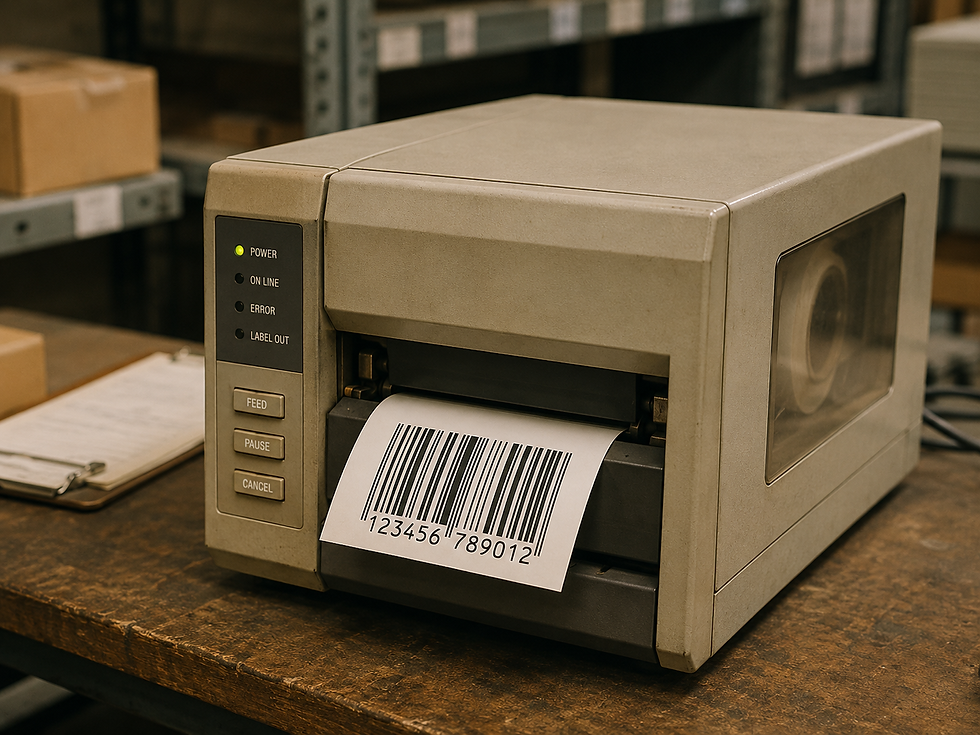
With the release of the BX420D, BX420T, and the ultra-high-resolution BX430, Toshiba is expanding its industrial barcode printer lineup with a new generation of flathead label printers built for transportation, warehousing, manufacturing, retail, healthcare, electronics, apparel, and other demanding labeling environments.
These printers are not just hardware refreshes. They represent a bigger shift in how industrial printers are being used inside modern operations. Instead of being simple output devices, the BX400 Series is designed to act more like a connected, intelligent labeling hub.
Built on Toshiba’s A-BRID Intelligence
One of the biggest technology advancements in the BX400 Series is Toshiba’s A-BRID ecosystem.
A-BRID combines two operating environments inside the printer: a real-time operating system for fast, reliable print performance and a Linux-based system for more advanced applications, connectivity, and intelligent printer functions.
That matters because many industrial printers are still treated as basic devices waiting for commands from a PC, server, or middleware platform. With A-BRID, the printer becomes more capable on its own.
For the user, this can mean:
Faster processing, more flexible workflows, easier integrations, and the ability to run embedded applications directly on the printer.
In real-world terms, this helps reduce the dependency on extra software, workstations, and complicated IT workarounds.
Native PDF Direct Printing
One of the standout features of the BX420 Series and BX430 is native PDF direct printing.
For many companies, label printing becomes complicated because the label format has to pass through drivers, middleware, conversion tools, or custom software before it gets to the printer. That creates additional points of failure and extra work for IT teams.
With native PDF printing, users can send PDF label files directly to the printer. The printer can automatically scale, rotate, and render the file, including variable data such as barcodes, QR codes, serialized text, and compliance label information.
That is a major advantage for companies printing from ERP systems, cloud platforms, mobile workflows, or applications that already generate PDF documents.
The benefit is simple: fewer steps between the system and the printed label.
For an operation, that can mean faster setup, less middleware, fewer driver issues, and more consistent label output across multiple sites.
Easier Legacy Printer Replacement
One of the most overlooked challenges in thermal printing is replacing older printers.
On paper, swapping a printer sounds easy. In reality, legacy printer environments can be full of old command languages, custom label formats, homegrown applications, and systems that were built years ago around a specific printer model.
The BX400 Series helps address this with auto-emulation detection. The printer can detect common printer languages such as ZPL II, TPCL, and DPL, making it easier to replace outdated printers without rewriting every label format or rebuilding the entire printing workflow.
For end users, this is a big deal.
A smoother migration means less downtime, less IT involvement, and faster deployment. Instead of forcing the operation to change everything around the printer, the printer is designed to fit into the existing environment more easily.
That can be especially valuable for warehouses, distribution centers, manufacturing plants, and retailers with fleets of printers spread across multiple locations.
Cloud Connectivity and Remote Management
Printer downtime is expensive. When a label printer goes down in a warehouse, production line, shipping area, or retail operation, the issue is rarely isolated. It can slow down orders, shipments, inventory movement, compliance processes, and customer-facing workflows.
The BX400 Series supports cloud-connected management through platforms such as Elevate Sky MFP Connect and SOTI Connect. This gives organizations more visibility into their printer fleets, including device monitoring, firmware updates, counters, logs, and remote management capabilities.
The advantage is not just convenience. It is control.
Instead of waiting for a printer to fail and then reacting, companies can monitor devices more proactively. They can better understand usage, standardize configurations, push updates, and help support teams troubleshoot without always needing to be physically next to the printer.
For companies managing printers across multiple sites, remote visibility can be a major operational advantage.
Practical Features That Save Time
The BX400 Series also includes several features designed for real-world users, not just IT teams.
The 4.3-inch full-color LCD gives operators a more intuitive way to interact with the printer. QR code functions can link users to mobile support resources and self-help videos, which can help reduce training time and support calls.
Printer cloning allows configurations to be replicated across multiple printers. For larger deployments, that can make setup much faster and help ensure every printer is configured consistently.
Label near-end detection can help reduce surprise downtime by alerting users before media runs out.
Toshiba’s Ribbon Save technology helps reduce waste by conserving ribbon during print jobs. In high-volume environments, ribbon waste adds up quickly, so features that reduce unnecessary ribbon usage can support a lower total cost of ownership.
These may not sound as flashy as cloud connectivity or native PDF printing, but they are the types of features that matter day to day. They help operators keep moving, reduce avoidable mistakes, and simplify printer management.
Embedded Apps and Standalone Printing
Another important advantage of the BX400 Series is the ability to support embedded applications and standalone workflows.
In some environments, users do not want to rely on a PC at every print station. They may want to scan a barcode, select a label, enter a quantity, and print directly from the device workflow.
The BX400 Series can support standalone printing from barcode scanners or keyboards, helping reduce the need for a dedicated computer in certain applications.
This can be useful in manufacturing cells, warehouse stations, receiving areas, retail backrooms, inventory rooms, and other environments where space, speed, and simplicity matter.
BX420D and BX420T: Everyday Industrial Labeling
The BX420 Series is designed for common industrial labeling needs, offering up to 300 dpi resolution and support for 4-inch-wide labels.
That makes it a strong fit for:
Shipping labels
Inventory labels
Retail labels
Warehouse labels
Compliance labels
Manufacturing labels
Transportation and logistics labels
For many users, 203 or 300 dpi is more than enough for standard barcode and text printing. The BX420D and BX420T are built for those everyday applications where reliability, speed, connectivity, and ease of deployment matter most.
The key advantage is that users get advanced intelligence and modern workflow features without having to move into an ultra-specialized printer category.
BX430: High-Resolution Printing for Small Labels
The BX430 is built for more precise labeling applications, offering up to 600 dpi resolution.
That level of resolution matters when labels are small, text is dense, barcodes are compact, or legibility is critical. Toshiba highlights applications such as electronic printed circuit board labels, garment care labels, high-legibility business tags, and micro-labeling down to very small pitch sizes.
The BX430 also includes specialized options such as a high-function fabric cutter with kicker and precision peel-off modules.
For users in electronics, apparel, medical, manufacturing, and product identification, the BX430 gives Toshiba a strong solution for applications where standard resolution is not enough.
Why These Features Matter to Users
The strongest part of the BX400 Series is not just one feature. It is how the features work together.
Native PDF printing can reduce software complexity.
Auto-emulation can simplify printer replacement.
Cloud connectivity can improve fleet visibility.
A-BRID intelligence can make the printer more flexible.
Ribbon Save can reduce consumable waste.
Printer cloning can speed up deployment.
Standalone workflows can reduce dependency on PCs.
Higher-resolution options can open the door to more precise applications.
Together, these features help address some of the biggest pain points in industrial labeling: downtime, complexity, migration challenges, lack of visibility, inconsistent configurations, and unnecessary support burden.
Final Thoughts
The BX400 Series shows where industrial thermal printing is headed.
Printers are no longer just mechanical devices sitting at the end of a workflow. They are becoming connected, intelligent, software-aware devices that can help operations move faster and reduce complexity.
For companies running older printers, dealing with driver issues, managing multiple sites, struggling with PDF label workflows, or needing better remote visibility, the BX420 Series and BX430 offer a compelling upgrade path.
The BX420D and BX420T bring smart industrial labeling to everyday shipping, warehouse, manufacturing, transportation, and retail applications. The BX430 adds ultra-high-resolution capability for micro-labeling and precision applications.
The result is a printer family designed not only to print labels, but to make the entire labeling process easier to manage.
For users trying to modernize their labeling environment, the BX400 Series is worth a serious look.

Comments